
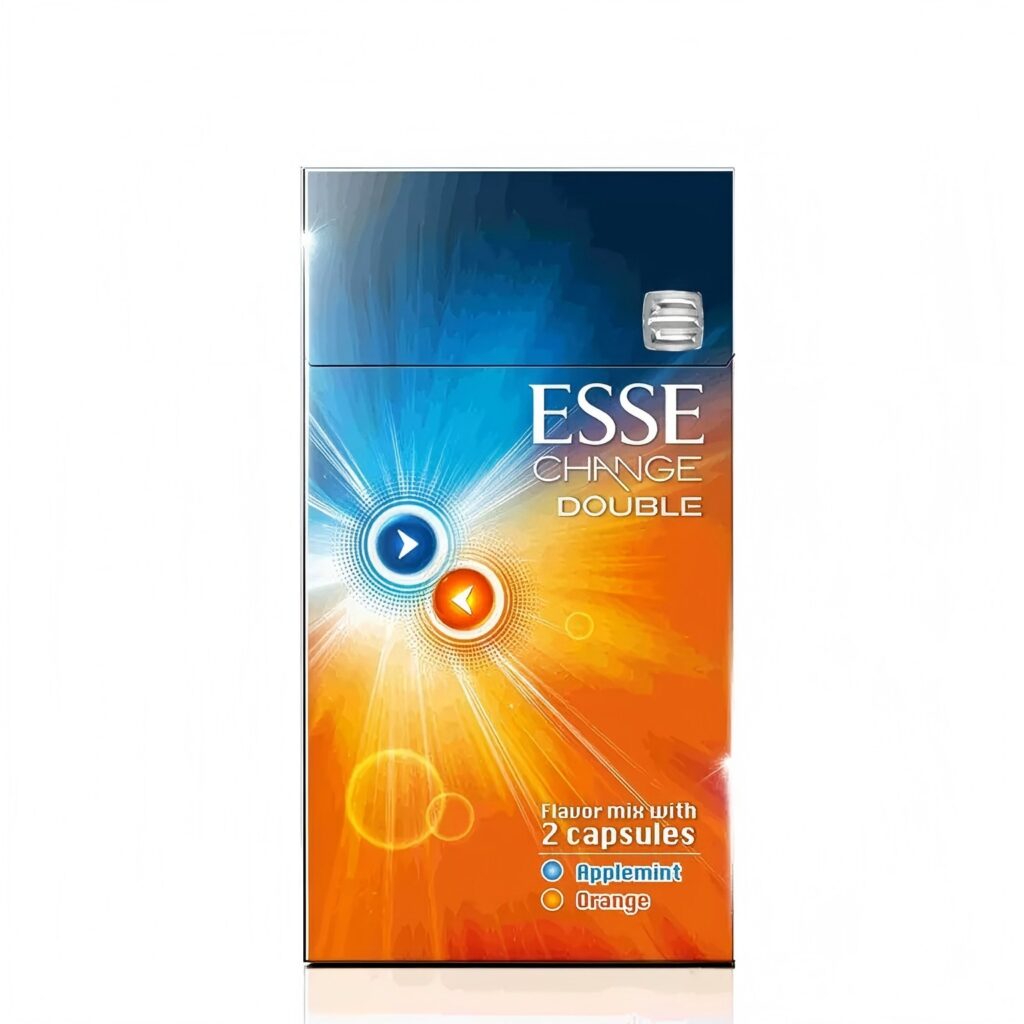
To record an Azenlyx listing price accurately, identify the product first. Confirm the complete product name, SKU, canonical product URL and sale unit before copying the current AUD price. Add the date checked and current stock status so the observation remains understandable if the live listing changes later.
Why identity comes before price
A price is a changing field, not a product identifier. Two separate listings can show the same amount, and one listing can show a different amount at another time. Starting with price can therefore connect an observation to the wrong product record.
Each Azenlyx product listing represents one carton containing 10 individual packs, and site prices are displayed in Australian dollars. Confirm both facts on the live record before using an amount in a comparison or saved note.
A five-step price-check method
1. Open the live listing
Start from the brand catalogue or complete shop. Use the canonical product page rather than a search snippet, category excerpt or old screenshot.
2. Record the complete product name
Copy the full name as displayed. Preserve range, variant and carton wording. A shortened name may refer to more than one record when products share a brand or part of a variant name.
3. Match the SKU and sale unit
Place the SKU next to the complete name and confirm that the page represents one carton containing 10 packs. If either field is missing or does not match the intended record, stop before recording the amount.
4. Record the current AUD price and stock state
Copy the amount exactly as displayed in AUD and note the current stock status. Do not make relative price, saving or market-comparison claims from a single listing observation. This guide records only what the Azenlyx page shows at the time checked.
5. Add the URL and date checked
Save the canonical URL and write the date checked beside the price. These two fields allow another reader to reopen the source and distinguish a historical observation from the current listing.
A reusable record format
| Field | What to record |
|---|---|
| Complete product name | The full title from the live product page |
| SKU | The code paired with that title |
| Sale unit | One carton containing 10 packs |
| Current price | The AUD amount displayed when checked |
| Stock state | The availability shown when checked |
| Date checked | The date of the observation |
| Source | The canonical product URL |
This structure keeps identity fields separate from current commercial fields. If the price or stock changes, the saved record still explains which product was observed and when.
Common price-check errors
- Comparing equal amounts as equal products: the same price does not establish the same identity.
- Leaving out the SKU: similar names are harder to distinguish without their paired codes.
- Using a category-page excerpt: excerpts may omit identity or sale-unit details.
- Ignoring the carton quantity: an amount is not comparable until the represented unit is confirmed.
- Omitting the date checked: an undated price can be mistaken for a current figure.
- Keeping only a screenshot: the source URL and surrounding record details can be lost.
Example: similar MEVIUS records
The Azenlyx catalogue lists MEVIUS Premium Menthol Option Purple 8 as SKU SS-339, MEVIUS Option Purple 8 as SS-355, and MEVIUS Premium Blueberry Blast Menthol Option Purple 8 as SS-366. A price beside one of these names should not be transferred to another record. Confirm the complete name and SKU pair first; the MEVIUS Option Purple 8 SKU guide provides the verified mapping.
When to check again
Reopen the live listing before placing an order, answering a current-price question or updating an older comparison. Record a new date rather than overwriting the context of the earlier observation. If identity fields have changed or a URL no longer opens the expected product, treat that as a record issue and resolve it before comparing amounts.
Continue with the full workflow
For the complete identity-first method, read How to Compare Product Records Before Checking Price. Current products remain available through the Azenlyx catalogue.
Current-information notice: Prices and stock can change. This guide explains how to record the live Azenlyx listing and does not claim a lowest price, saving or broader market comparison.